

Is Microsoft Copilot Safe for Business?
Published on: April 20, 2026
The Risk of AI Tools in Business
Artificial intelligence is everywhere right now. Your employees are using it to write emails, summarize documents, and answer questions. That part is great. Higher productivity is something that all businesses can get behind. The problem is where they are using it.
Most people do not stop to think about what happens to the information they type into a free AI tool. They paste in a client proposal, a financial summary, or an internal report, and they expect help. What they may not realize is that many popular AI platforms are built for general public use. They were not designed with your business security in mind.
When an employee copies sensitive company data into a public AI tool, that information can leave your environment entirely. Depending on the platform, it may be used to improve the AI model itself. It may be stored on servers that fall outside your company’s control. And once that data is out, you may not be able to get it back.
This creates real risk. Businesses operating in regulated industries, such as finance, healthcare, or legal services, face compliance issues when confidential information is shared outside approved systems. Even companies in less regulated spaces can suffer serious consequences if client data, pricing information, or internal strategies are exposed.
The challenge is that most employees do not intend to cause harm. They are simply trying to get their work done faster. The tool is convenient, it is free, and it feels harmless. But convenience without guardrails can become a liability quickly.
Why AI Security Matters Now
Not long ago, cybersecurity conversations focused on protecting networks, locking down devices, and managing passwords. Those things still matter, and are at the forefront of protecting your business, but AI has created a new way your data can be stolen.
Today, security includes how your team interacts with artificial intelligence. AI tools have become part of daily workflows across nearly every department. Marketing uses them to draft content. Finance uses them to summarize data. Operations uses them to write procedures. The more embedded AI becomes in how your team works, the more important it is to ask a simple question: is the AI your team is using actually safe for business?
One small mistake with the wrong tool can create a much larger problem. A single employee pasting a client contract into an unsecured AI platform could trigger a compliance violation. A leaked pricing strategy could reach a competitor. Sensitive HR information could end up somewhere it was never meant to go.
The good news is that this is a solvable problem. You do not need to ban AI from your workplace. You just need to make sure your team is using the right kind of AI, one built for business environments with real security standards in place.
Why Microsoft Copilot Is Different
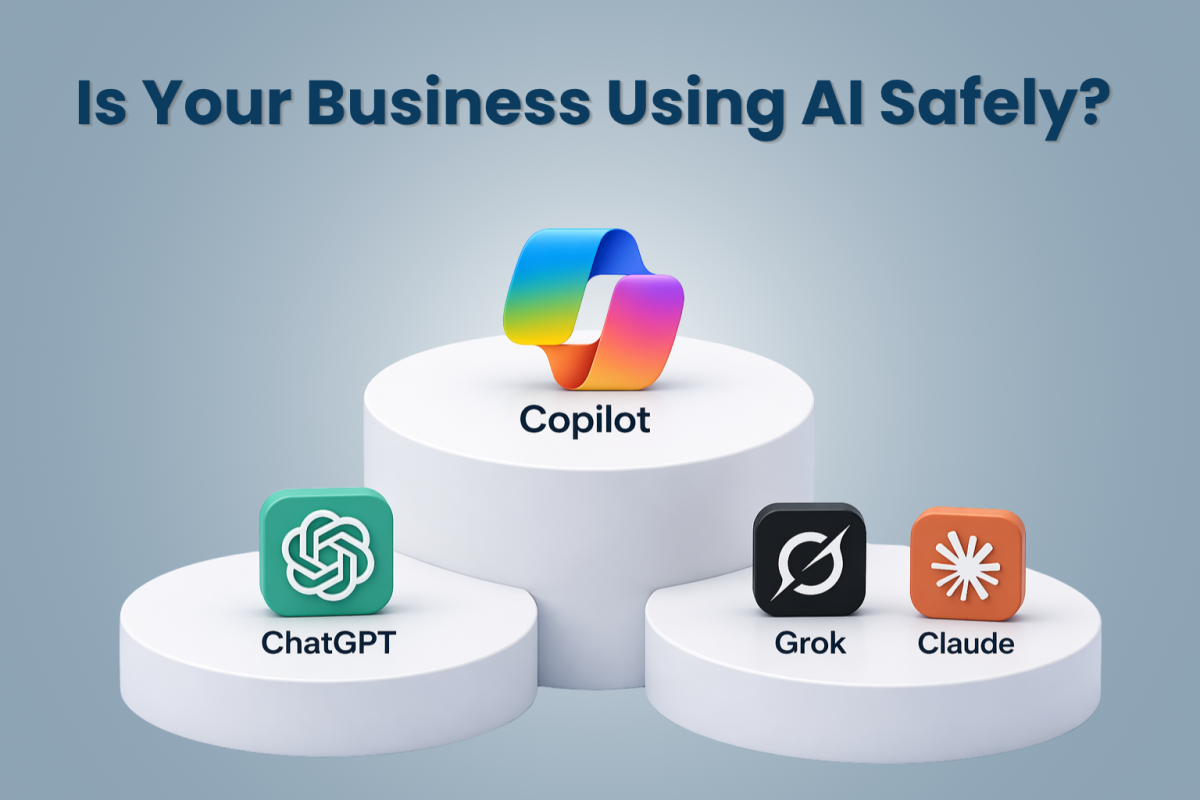
Microsoft Copilot was built specifically for business use. That distinction matters more than it might seem at first.
Unlike public AI tools that operate outside your organization, Copilot works inside your existing Microsoft 365 environment. That means it operates within the same security and compliance structure your business already has in place. Your data does not leave your tenant. It is not used to train Microsoft’s AI models like other competitors.
Here is a helpful way to think about it. When an employee uses a public AI tool, they are essentially stepping outside the building and asking a stranger for help, then walking back in. The needed information gets brought back to the building, but the information provided to the stranger is now outside the building as well. With Copilot, that same employee never leaves the building at all. They get the help they need from a tool that already knows and respects the rules of the house.
Copilot also follows your existing permission settings. If an employee does not have access to a particular file or document in Microsoft 365, Copilot will not surface that information either. There is no workaround. There is no accidental exposure. The same rules that govern your data in Teams, SharePoint, or Outlook also govern what Copilot can see and do.
This matters greatly for compliance. Many businesses are subject to regulations that require them to control how data is handled and stored. Copilot is built with those requirements in mind, including support for industry-specific compliance standards. It is the kind of tool that your legal and IT teams can actually get behind.
On top of all that, Copilot integrates directly into the tools your team already uses every day. It works inside Word, Excel, Teams, Outlook, and PowerPoint. Your employees do not have to learn a new platform. They get quicker and smarter assistance within the tools they already know.
What This Means for Your Business
The good news is that this is a very fixable problem. Most of the risk comes from settings that were simply never configured in the first place. Here are three areas worth focusing on.
Let us bring this back to the ground level. You want your team to be productive. You want them to take advantage of AI because the productivity gains are real. But you do not want to trade efficiency for exposure.
Microsoft Copilot gives you both. Your team can use AI to draft emails, summarize meeting notes, analyze spreadsheets, and build presentations faster than ever before. And they can do all of that without stepping outside the security boundaries your business has already established.
There is also a longer-term consideration here. AI adoption is not slowing down. If anything, it is accelerating. The businesses that build smart, secure AI habits now will be better positioned as the technology continues to evolve. And the businesses that let unchecked AI usage go on without oversight will eventually face the consequences.
The right AI platform does not create new risks. It helps you manage the ones you already have, while giving your team a genuine competitive advantage.
Choosing Copilot means choosing a tool that was designed for the way businesses actually operate. It respects your data, fits inside your existing systems, and gives your team the confidence to use AI without hesitation.
If you are curious about how Microsoft Copilot could work for your organization, or if you are not sure whether your team’s current AI usage is putting your data at risk, we are here to help. Reach out to the MMIT Business Solutions Group team (515-251-1181) and let us start a conversation about what a secure, productive AI strategy looks like for your business.