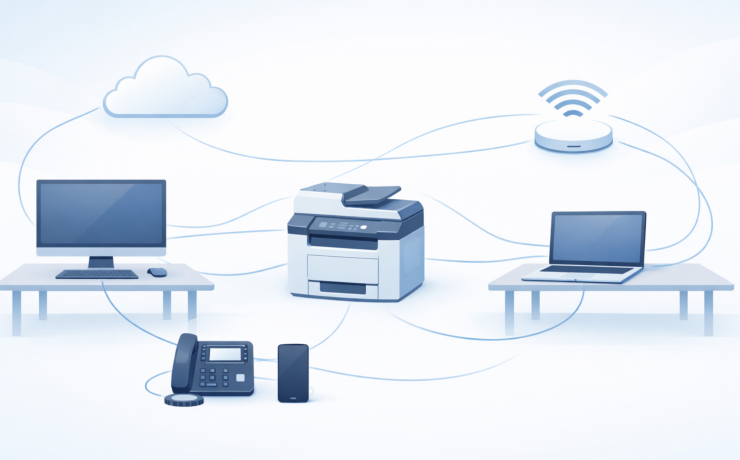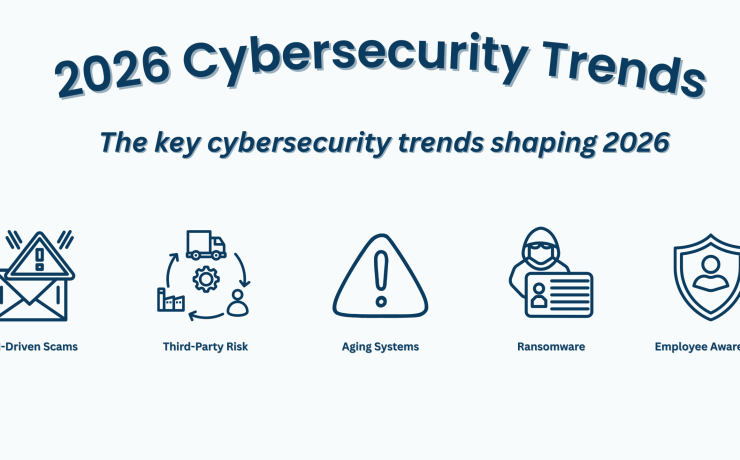

Signs Your IT Infrastructure Is Outdated
5 Signs Your IT Infrastructure Is Outdated Published on: March 4, 2026 Technology plays a...


Why Organizations Choose Interactive Displays
Touch technology keeps users engaged and focused with real-time interaction that enhances participation.
Interactive displays integrate easily with video tools, enabling seamless remote collaboration for every participant.
Present and share content wirelessly with no extra equipment, keeping the experience simple and user-friendly.
Teams can write and save notes on screen instantly, improving meeting flow and boosting overall productivity.
Touch technology keeps users engaged and focused with real-time interaction that enhances participation.
Interactive displays integrate easily with video tools, enabling seamless remote collaboration for every participant.
Present and share content wirelessly with no extra equipment, keeping the experience simple and user-friendly.
Teams can write and save notes on screen instantly, improving meeting flow and boosting overall productivity.
Sharp AQUOS BOARD displays offer a natural pen on paper experience that makes writing and drawing feel smooth and precise. Multiple users can interact at the same time, allowing true collaboration.
The display includes built in apps and an easy to navigate interface, allowing users to launch whiteboards, browsers, or collaboration tools without needing a connected computer.
Compatible with Microsoft Teams, Zoom, Google Meet, and other conferencing platforms, AQUOS BOARD lets remote participants view shared content clearly and engage in real time.
Present directly from a laptop, tablet, or mobile device without cables. Users can share content instantly and switch presenters with a single tap.
Whether you are outfitting a classroom or a large conference room, AQUOS BOARD displays come in a range of sizes to match your space and viewing needs.
Compatible with Microsoft Teams, Zoom, Google Meet, and other conferencing platforms, AQUOS BOARD lets remote participants view shared content clearly and engage in real time.







"*" indicates required fields