

The 3-2-1 Backup Rule for Small Businesses
Cybersecurity Awareness Month may be winding down, but protecting business data never stops. One of the simplest ways to reduce risk is understanding the 3-2-1 backup rule for business. This proven method helps small businesses prevent data loss, recover from cyberattacks, and keep operations running when something goes wrong. Many businesses choose to manage backups as part of their broader managed IT support strategy so protection is monitored and maintained automatically.
You do not need to be an IT expert to use it. In this guide, we explain the 3-2-1 backup rule in clear, practical language so you can understand how it works and why it matters for your business every day.
What Is the 3-2-1 Backup Rule?
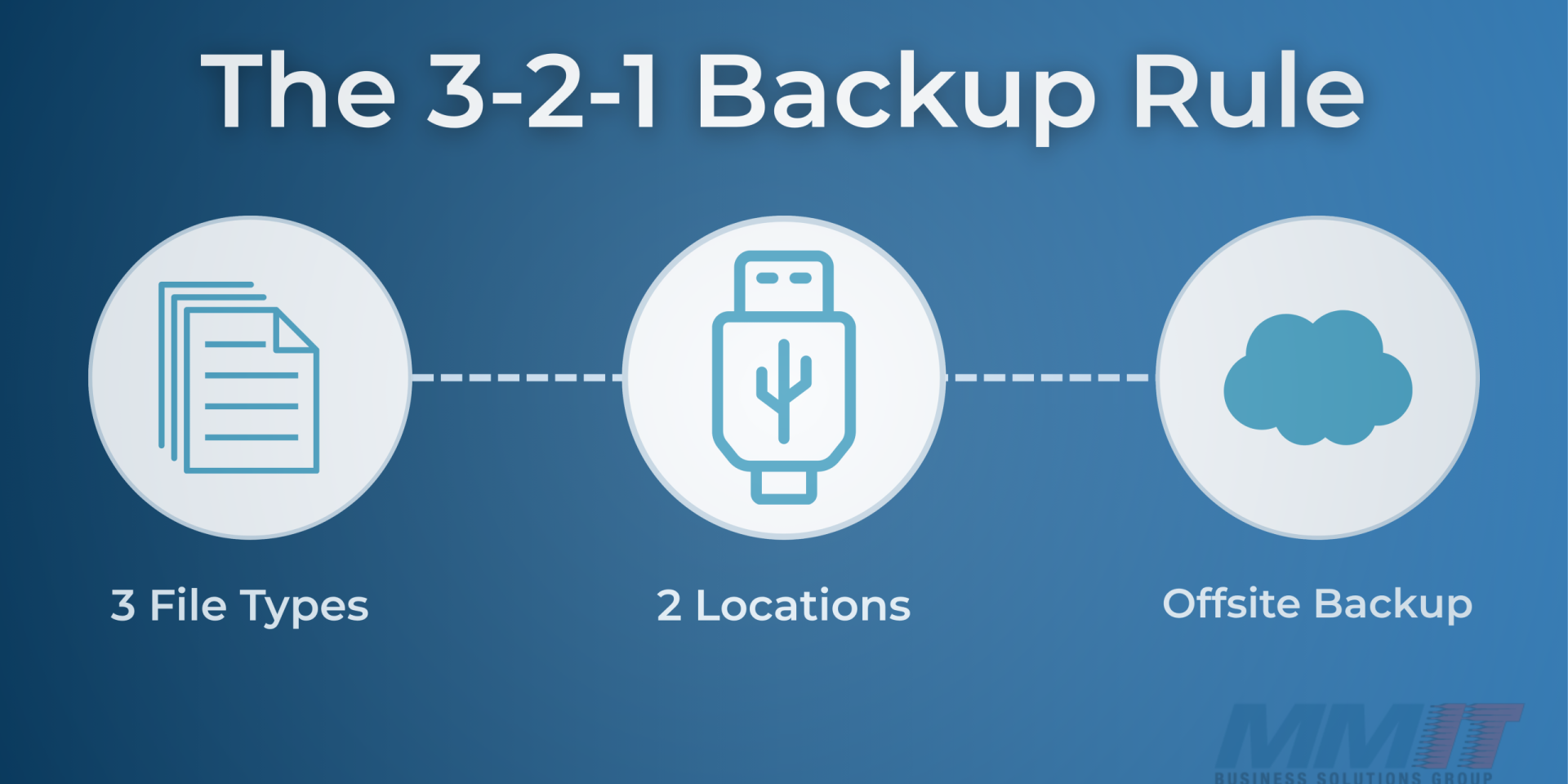
A few small habits can save your business from big headaches later on. One of the best is the 3-2-1 backup method. It’s a simple rule: keep three copies of your data, store them on two different types of media, and make sure one copy is kept off-site. This approach gives your business multiple layers of protection against accidental deletion, hardware failure, or even a cyberattack.
Three Copies of Your Data
The first step is having three total copies of your data. That means your original files plus two backups. The first copy is what you use every day for your normal business operations. The second copy should be a local backup stored on another device like an external hard drive or company server. The third copy needs to be kept somewhere else, away from your main system. Having three versions gives your business extra protection in case one copy is lost, damaged, or compromised.
Two Different Media Types
The next step is to store your data in two different ways. For example, you might keep one copy on an external hard drive and another in the cloud. Using more than one type of storage helps protect your business from different types of problems. If your hardware fails, you still have the cloud copy. If your online account is hacked, you still have your local copy. This mix of storage options keeps your data safe and gives your business more flexibility.
One Copy Off Site
The final step is keeping one copy of your data off-site, away from your main location. This off-site copy acts as your safety net if something happens to your office, like a fire, flood, or theft. It can be stored in the cloud or on an external drive kept at another secure location. Keeping one copy off-site protects your business from local disasters and ensures that your data can always be recovered, even if your main systems go down. Reliable backups are also a critical layer of cybersecurity protection, helping businesses recover quickly after ransomware or other security incidents.
When Should a Small Business Review Its Backup Strategy?
The 3-2-1 backup method is one of the easiest ways to prevent data loss. By keeping three copies of your files, using two different types of storage, and keeping one copy off site, you give your business a simple but powerful safety plan. It takes a little effort upfront, but it can save time, stress, and money when it matters most.
If you are unsure whether your current backup strategy would protect your business in the event of data loss or ransomware, it may be time to take a closer look. A quick conversation with the MMIT team can help clarify how your backups are configured, where potential gaps may exist, and how managed IT services in Des Moines can help ensure your data is protected and recoverable when it matters most.
Visit MMIT Business Solutions or call (515) 251-1511 to get started.